


The game, after the whistle.
Watch the full match, replay every goal, follow the score live and keep the season’s stats in one private place, just for your team’s families.
Download on the App StoreAlso works in any browser. Have an invite? Open the link your team sent you.
Game day, start to finish.
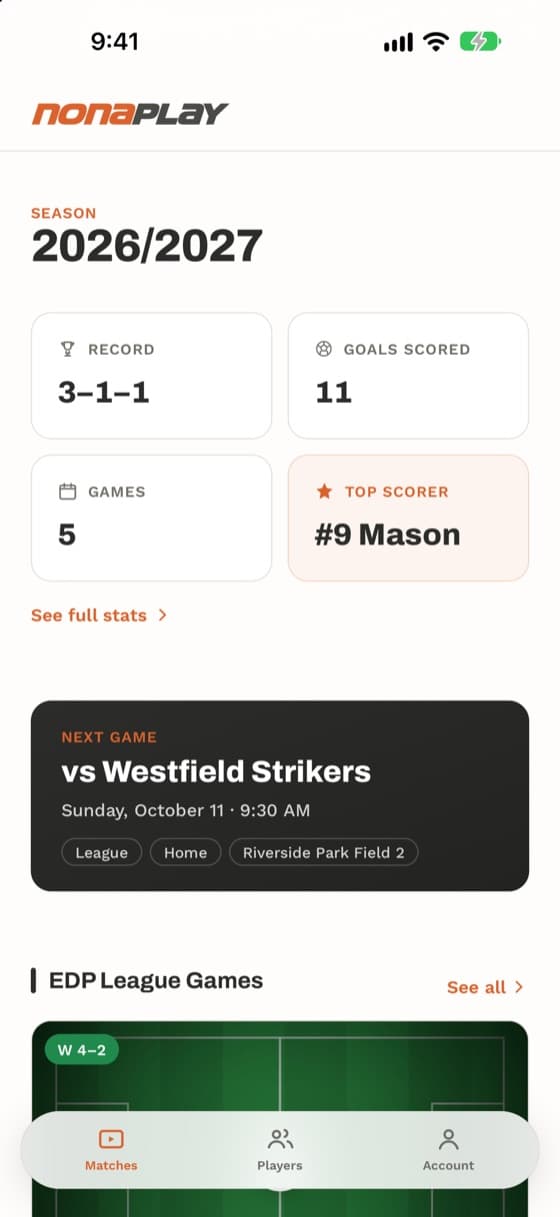
Before kickoff, the next game sits at the top of the front page: opponent, date, time, home or away, and the field. League games and each tournament get their own section, and coaches can import the whole schedule from a calendar file.
During the game, a coach taps goals, saves and corners from the sideline and the score updates for everyone. Families get a notification at kickoff and the moment the team scores, so you see every goal even from work. Penalty shootouts are tracked kick by kick.
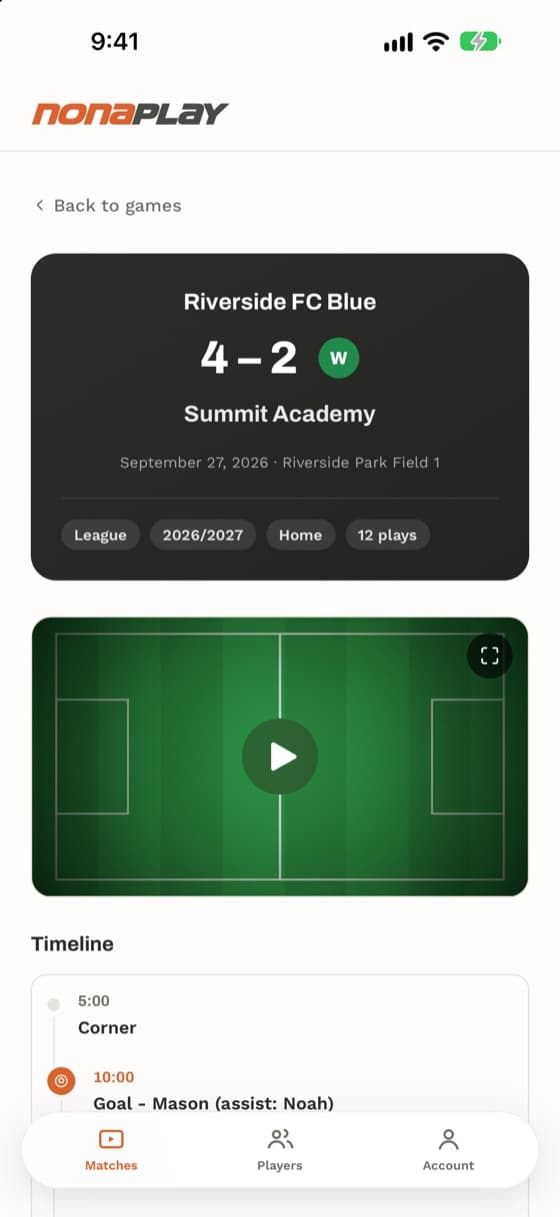
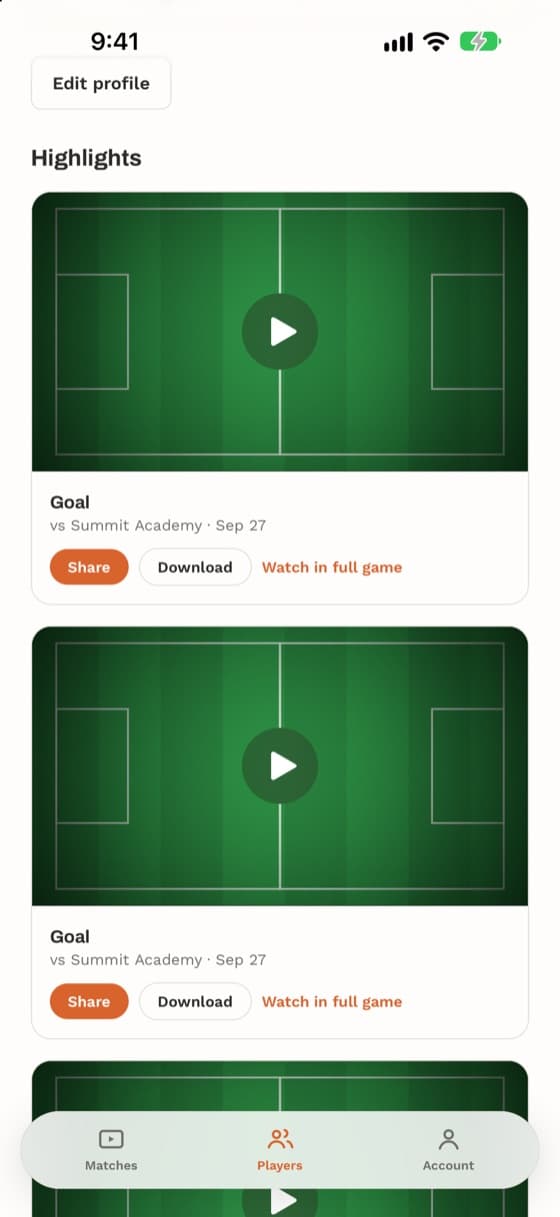
At full time, the whole match plays right in the app, with a timeline of key moments: tap a goal and the video jumps to it. Every goal is also cut into a short clip you can send to grandparents with one tap, or download.
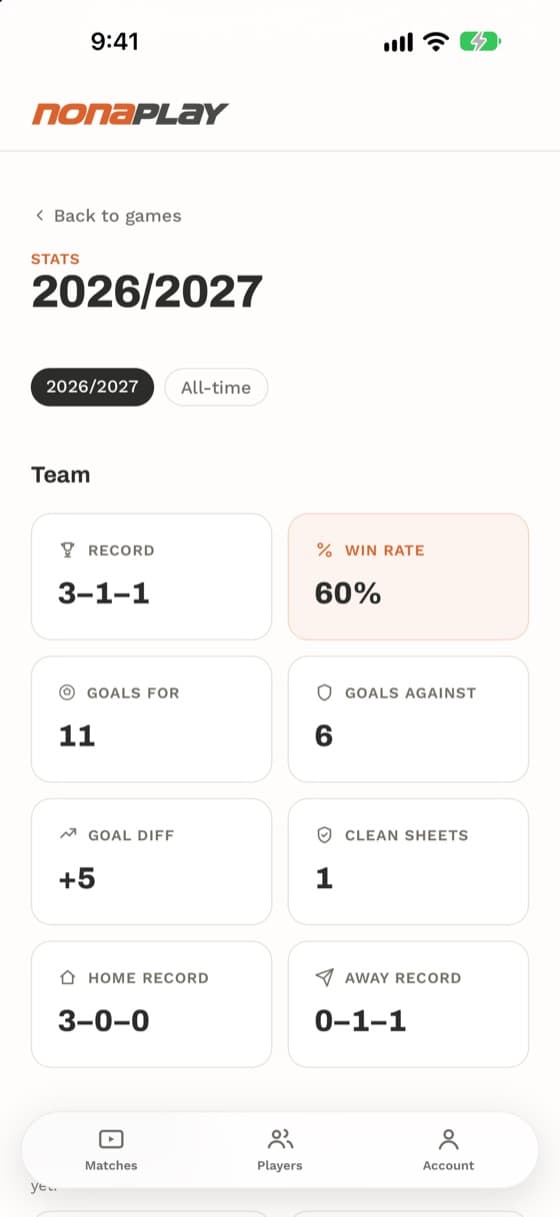
All season, the numbers keep themselves: record, win rate, goals for and against, clean sheets, home and away, and every player’s goals, assists and appearances, taken from the same events the coach logs. No spreadsheet.
You’re the coach. Tap what happens on the field and watch what a parent’s phone shows.
In the app a goal waits ten seconds before it goes out, so a wrong tap can be undone first.
Saturday, October 18
10:23
Riverside FC Blue 1–0 Summit Academy · 23′

GOAL!
now
Mason (assist: Noah) — 1–0 vs Summit Academy.
Game starting now
23m ago
Riverside FC Blue vs Summit Academy just kicked off.
Only your team’s families get in.
- 1
- personal invite from your team behind every account. There is no open sign-up.
- 0
- ads, public profiles or feeds of other people’s kids.
- 0
- player names on a shared clip. You decide who gets the link.
- 3
- languages, English, Spanish and Portuguese, notifications included.
Report a post, block someone, or delete your account yourself from the Account page.

Built on the sideline, for the families on it.
NonaPlay started with a soccer dad who wanted one simple thing: for every family on his U8 team to be able to watch the whole game. A full match is a big file, and a group chat turns it into a few seconds of blur, so he built a private place where the whole game could go up and every teammate’s family could press play.
Then came the first tournament of the season. Afterwards he asked the team’s parents who had scored the nine goals. Nobody could say for sure. The coach couldn’t either. Every one of those goals had been a big moment, and already no one remembered whose it was. For these kids, every game is a World Cup, and it was fading as soon as the weekend ended. So he started keeping track.
The questions kept coming. Where’s the clip of that goal? Who got the assist? What’s our record? Can I add my photos? He tried to find last season’s stats to compare with this one, and the numbers weren’t there, or they were in a coach’s notepad where no regular mom or dad could reach them. Each answer became a feature.
We looked for something that already did it, and couldn’t find one built around a single team and its families: the full game, the goals, the numbers and the photos, together and private. So it kept growing, one game day at a time.
A sideline tool for keeping memories and data.
Made to be used at the field, with one hand, while the game is still going. Everything you capture stays with the team, season after season.
The rest of the sideline
Photos and videos from the sideline
Anyone on the team can add them to a game and tag the players in them. A shared album, one game at a time.
A profile for every player
Photo, position, favorite team, a fun fact. Parents and players edit their own.
Parents with more than one kid
Link every child to one account and switch between them.
Three languages
English, Spanish and Portuguese. Each family picks theirs, and notifications arrive in it too.
Light and dark
Follows your phone, so the late-night replay doesn’t glow.
Works as an app
On iPhone and Android, add it to your home screen from the website and open it like any other app.
Bring your team.
You invite the families and upload the game; NonaPlay does the clips, the stats and the notifications. Tell us about your team and we’ll get you set up.